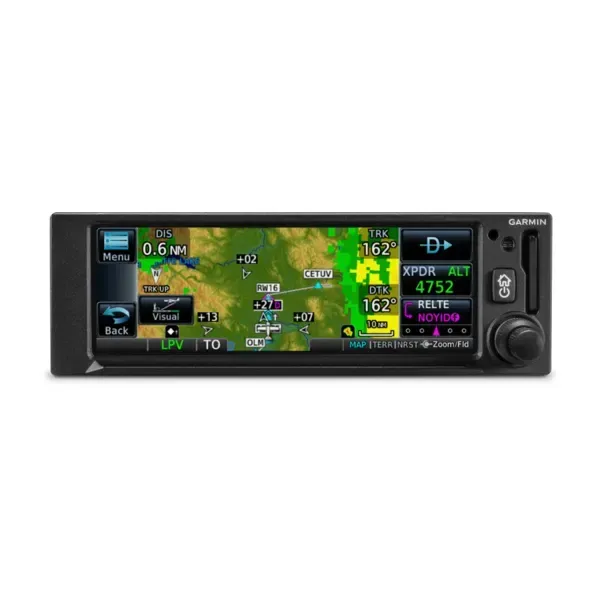
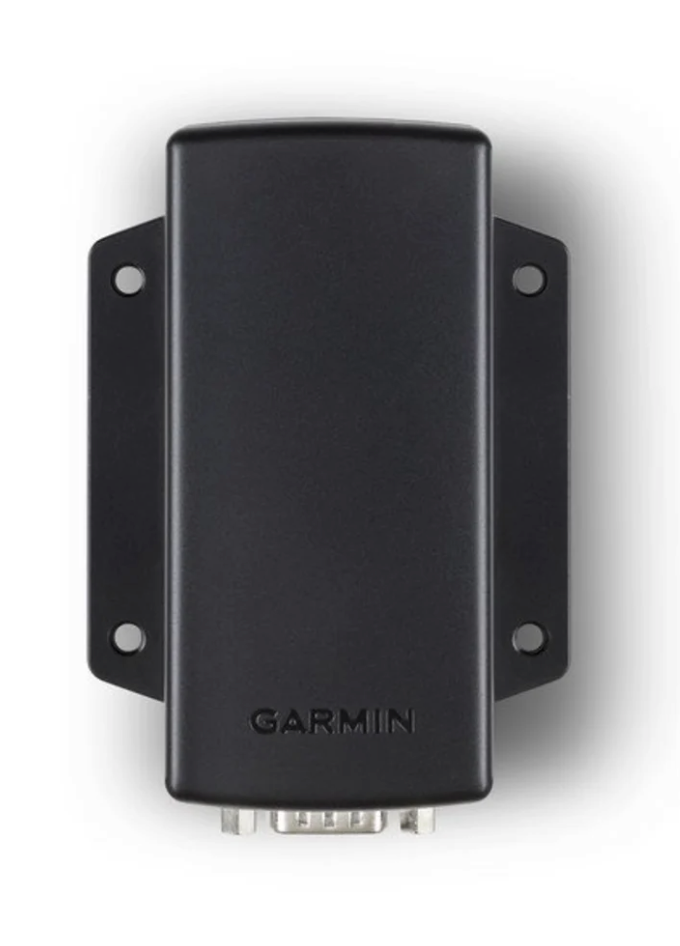
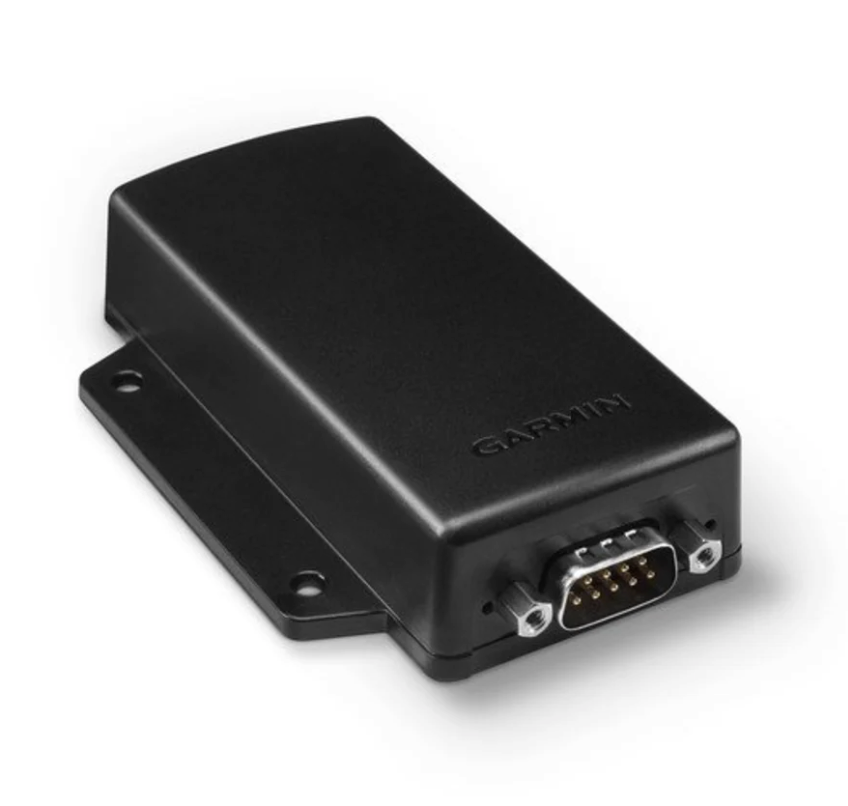
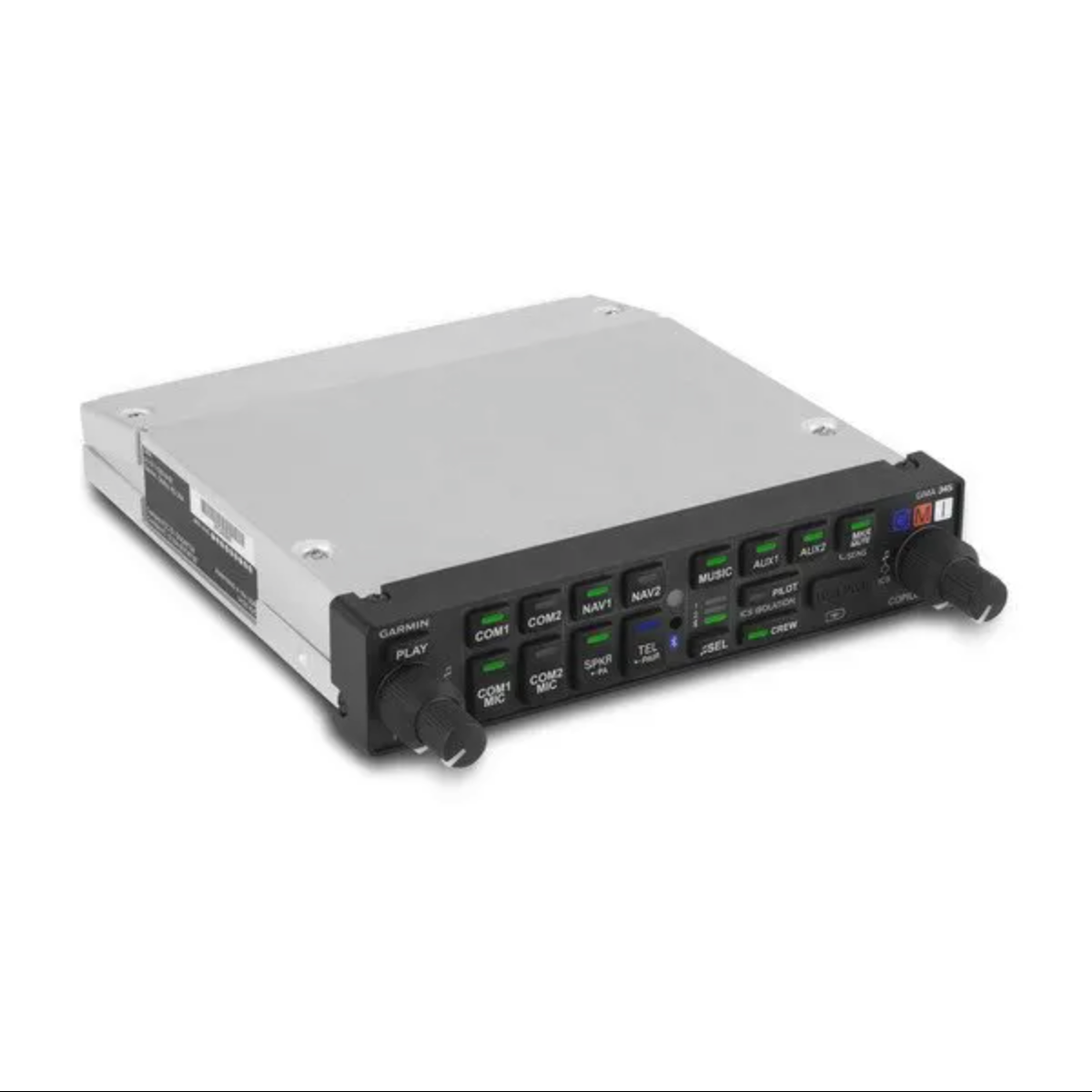
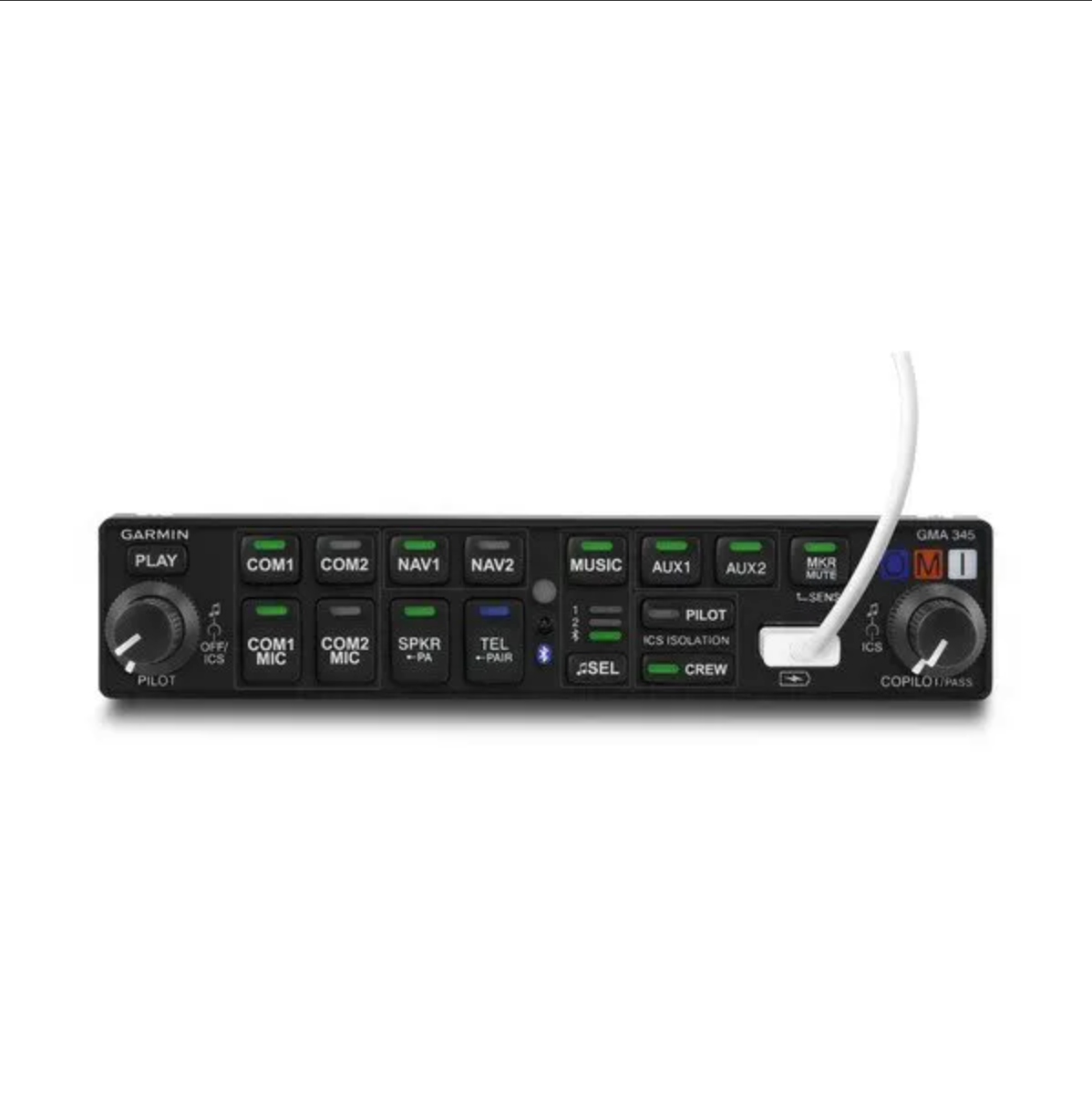
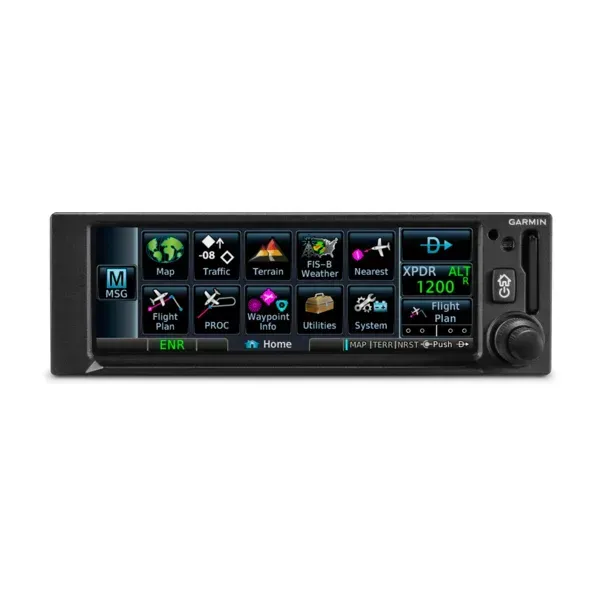
GNC 355A offers optional 8.33 kHz channel spacing
Please Note : Garmin products ship within 6–10 days. Each order is fulfilled through us directly — not drop-shipped — to ensure it's inspected and verified before delivery
$9,395.00
GNX™ 375
Type : GPS/ADS-B Transponder
PART NUMBER : 010-01823-50
Physical and Performance
TSO applicability: C88b; C112e Category 1, Level 2 els; C146e Class 3; C154c Category A1S; C157b Category 1; C165a; C166b Category A1S; C195b Category B1, B3, B5, B7, C1, C2, C3, C5, C7
Display size: 4.8" (122.5 mm) diagonal
Display resolution: 732 pixels (W) x 240 pixels (H)
Unit bezel height: 2.02" (51.0 mm)
Unit bezel width: 6.25" (159.0 mm)
Unit depth with connectors: 10.85" (276.0 mm) (measured from face of aircraft panel to rear of connector backshells)
Unit weight: 3.2 lbs (1.44 kg)
Maximum altitude: 30,000 ft with optional GAE module. 35,000 ft without optional GAE module.
Input voltage range: 9 VDC - 33 VDC
Maximum display brightness: 260 fL
Operating temperature range: -20° C to 55° C (-4° F to 131° F)
Bluetooth version: 4.2
Number of GPS channels: 15 (12 GPS and 3 GPS/WAAS/SBAS)
LAT/LON position accuracy: <1.25 meter RMS horizontal, < 2 meter vertical, with WAAS
Maximum velocity: 1,000 knots (above 60,000 feet)
Position update interval: 0.2 sec (5 Hz)
ADS-B “Out”: yes, 1090 ES
ADS-B “In”: yes, Dual-link

OVERVIEW
SPECS
SMART CAPABILITIES IN AN EASY-TO-INSTALL PACKAGE
Get the advanced GPS navigation functions you’ve always dreamed of — plus modern COMM radio features that save you time and effort when you fly
WAAS GPS navigation enables LPV approaches with minimums as low as 200’.
Built-in 10-watt COMM radio offers 25 kHz or optional 8.33 kHz channel spacing.
Automatically identify frequencies so you know who you’re talking to.
Get extensive compatibility with Garmin flight displays or existing course deviation indicators (CDIs).
Visualize your entire flight plan, including holds and approaches, on the 4.8” touch display.
Use built-in Connext® wireless technology to connect to the Garmin Pilot™ or ForeFlight apps.
Physical and Performance
This is paragraph text. Click it or hit the Manage Text button to change the font, color, size, format, and more. To set up site-wide paragraph and title styles, go to Site Theme.